
Can You Change an IMEI Number? Technical History and Modern Limits
IMEI modification used to be discussed as a repair-shop or underground-phone topic. Technically, older handsets often stored identity data in places that could be rewritten with service boxes, engineering cables, or firmware tools. Modern phones are different: the IMEI is tied much more tightly to modem firmware, secure storage, manufacturing records, carrier databases, and operating-system privacy rules.
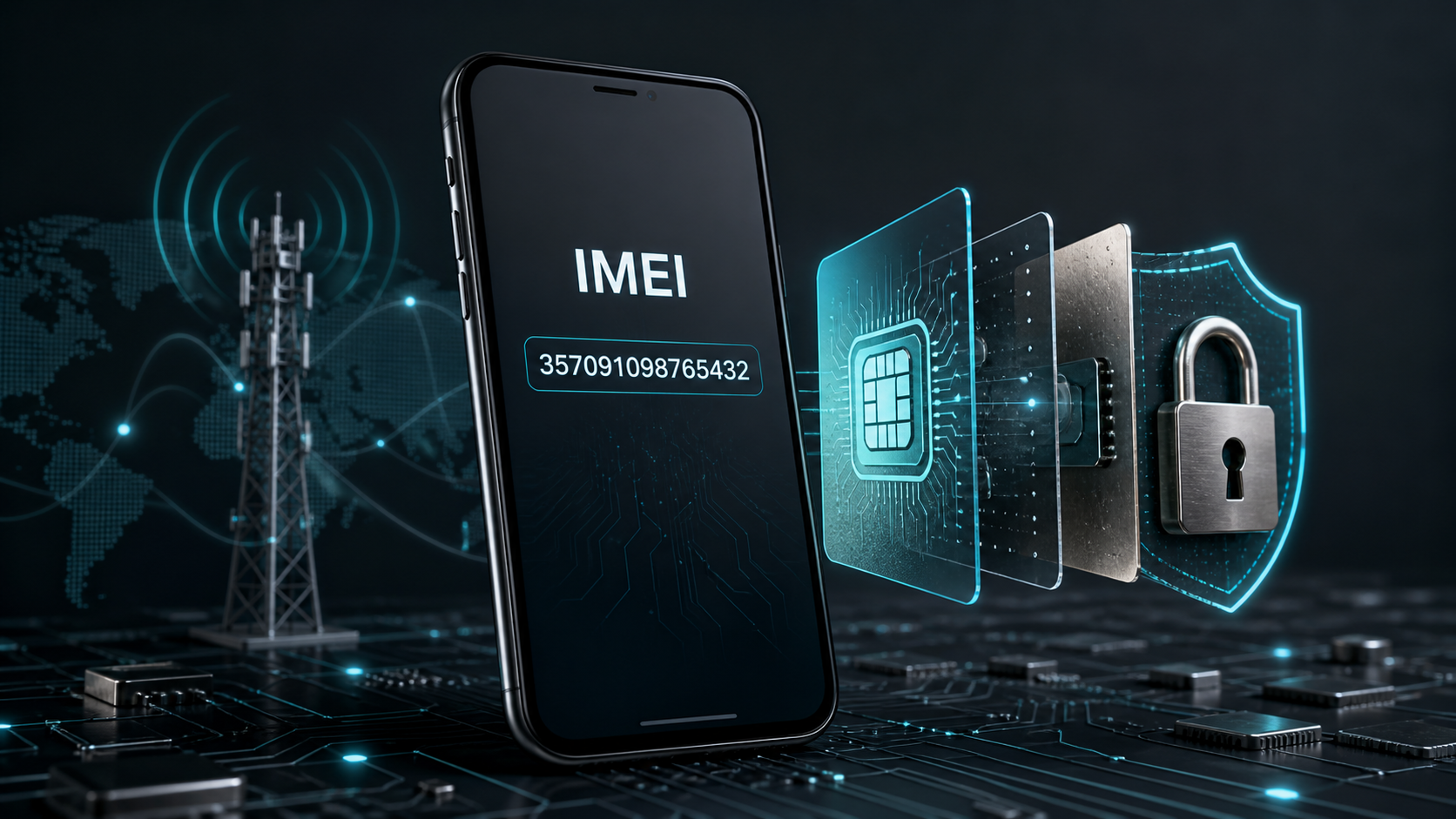
What the IMEI actually identifies
The International Mobile Equipment Identity is a 15-digit identifier used for cellular equipment. The first eight digits form the TAC, or Type Allocation Code, which points to a device model family. The remaining digits distinguish the unit and include a final Luhn check digit used to catch common typing mistakes. The IMEI is useful because mobile networks, repair systems, blacklist databases, warranty systems, and trade-in workflows can all refer to the same device identity.
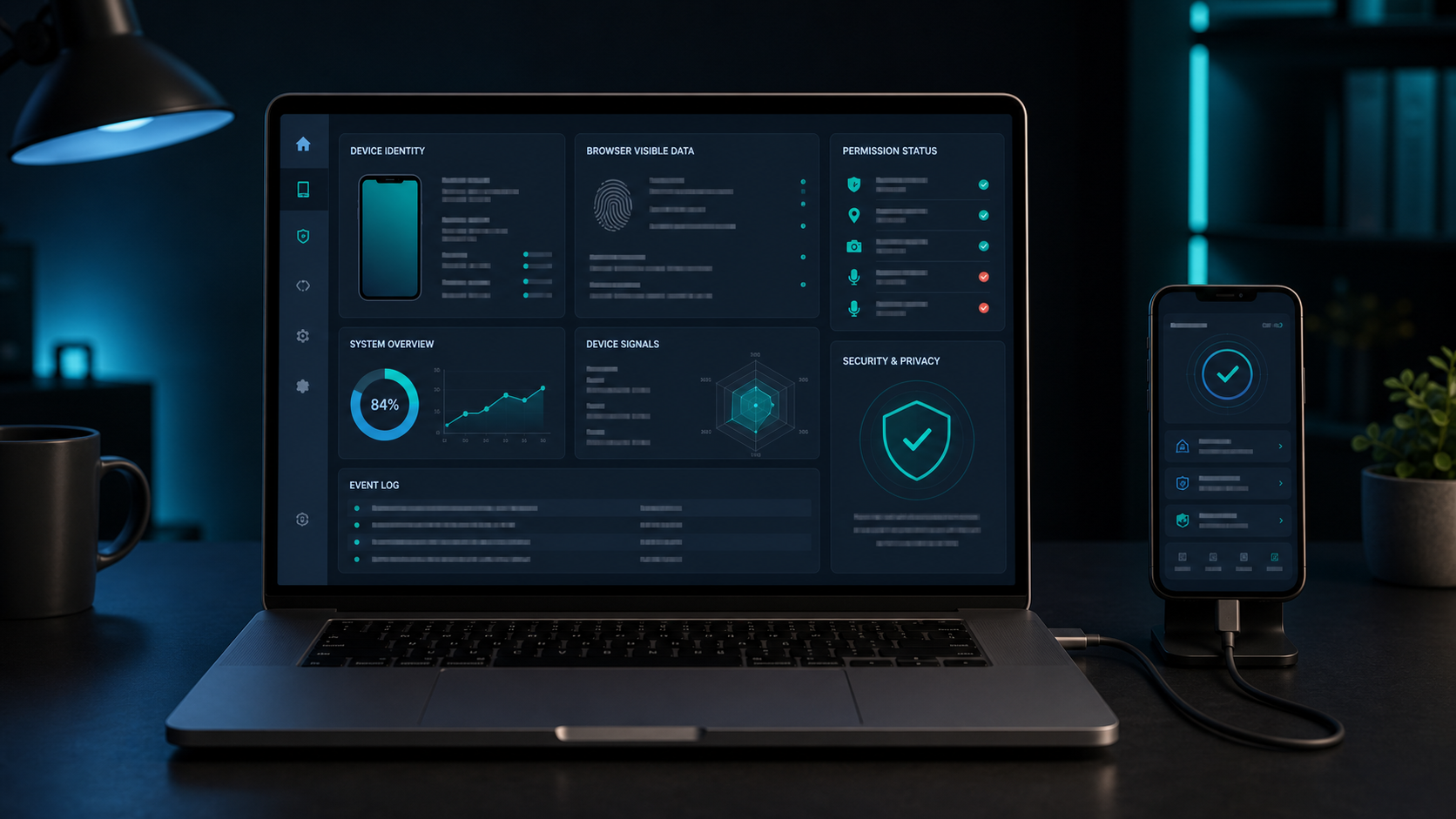
How IMEI changing worked on older phones
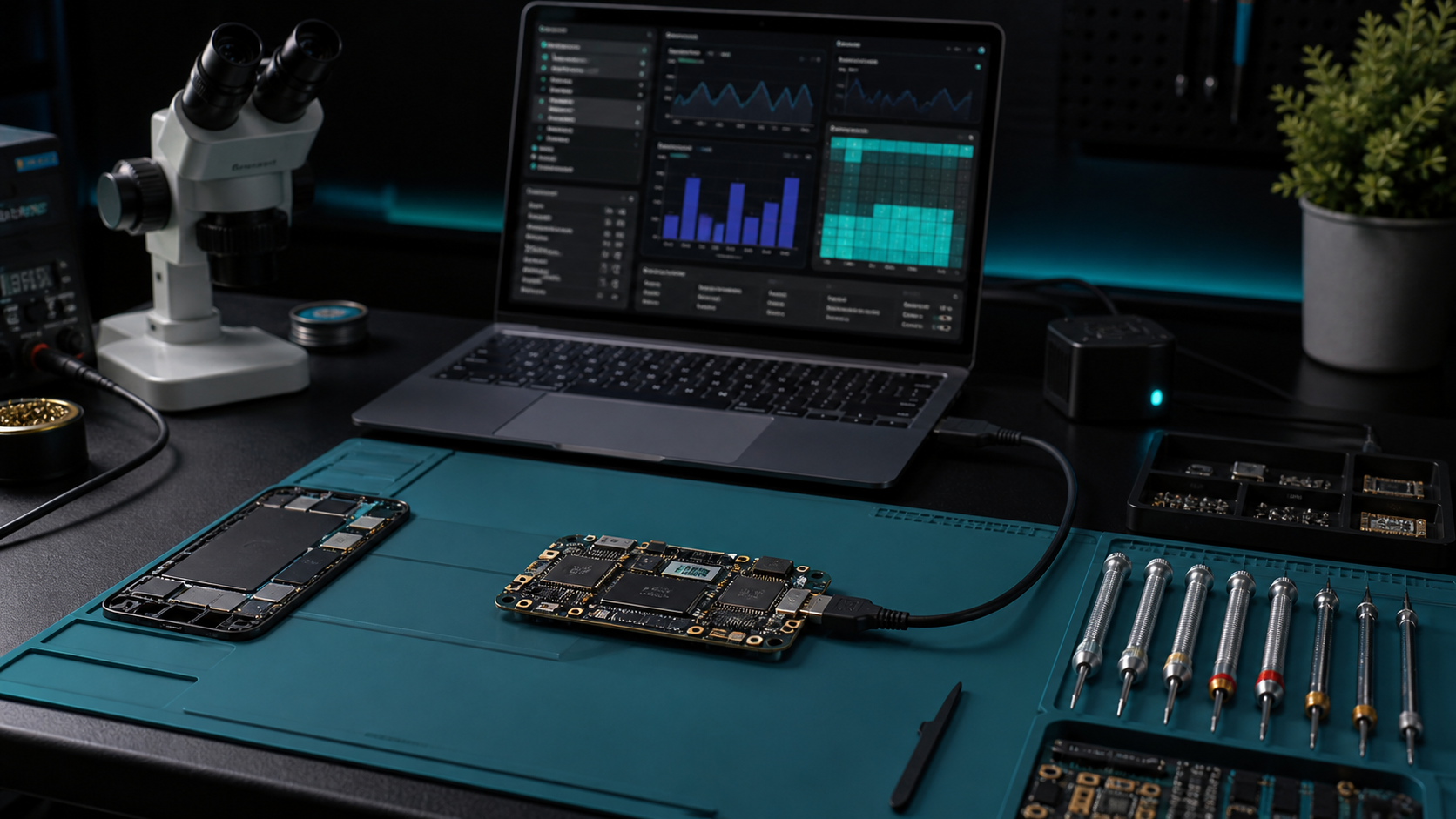
Older mobile phones were often built around simpler baseband architectures. In many models, calibration data, network identity fields, or non-volatile modem records were stored in service-accessible memory areas. Repair tools could sometimes rewrite those records after board replacement, damaged modem storage, or low-level firmware servicing. In the wrong hands, the same service pathways were used to disguise stolen devices, bypass blacklist checks, or make counterfeit phones appear to be another model.
The technical barrier was lower because older platforms often had weaker boot-chain verification, less aggressive modem partition protection, fewer server-side activation checks, and less separation between repair tooling and production tooling. Some devices also exposed diagnostic modes more freely over serial, USB, or vendor-specific service interfaces.
Why modern phones are much harder to modify
Current smartphones are designed around secure boot, signed modem firmware, protected partitions, hardware-backed key stores, and stricter factory provisioning. On many devices, changing identity data is not a normal software operation. The IMEI may be mirrored in multiple places, checked by modem firmware, checked by the operating system, and compared against network-side or vendor-side records. A mismatch can break cellular service, trigger activation problems, or make a phone fail integrity checks.
Android also restricts access to non-resettable identifiers such as IMEI. Since Android 10, ordinary apps cannot read these identifiers unless they meet privileged carrier, device-owner, or system-level requirements. iOS does not give App Store apps an IMEI API; apps use privacy-scoped identifiers such as the vendor identifier instead. That means even a legitimate app normally cannot show you the phone IMEI automatically.
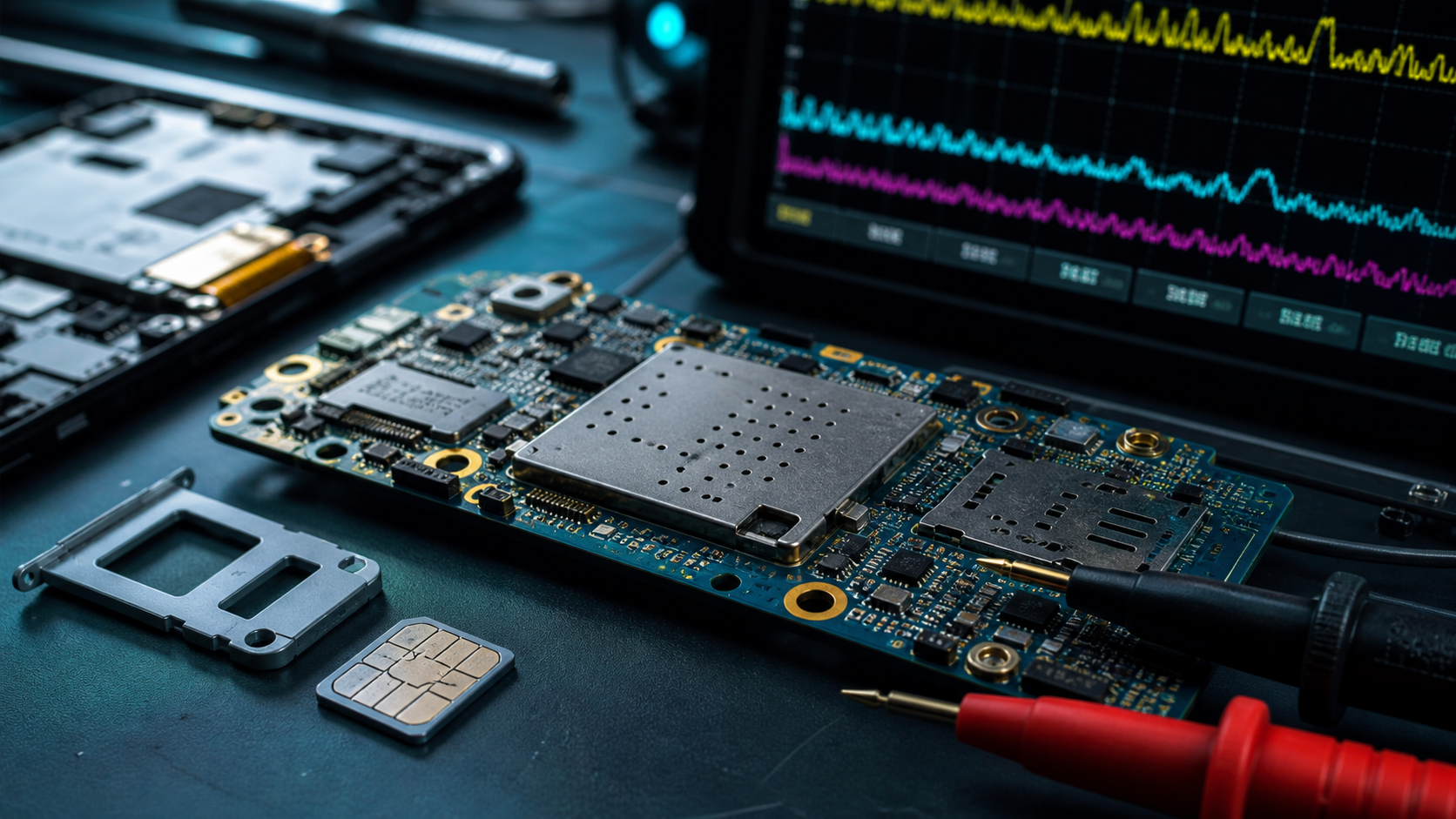
Why a website cannot display your IMEI
MyDevice.info can show browser, screen, network, privacy, sensor, and performance information because browsers expose those details through Web APIs. IMEI is different. Web browsers do not expose the cellular modem identity to websites, and modern operating systems intentionally keep it away from normal web pages. This is a privacy and anti-tracking decision: IMEI is persistent, hardware-bound, and not resettable by the user.
For the same reason, MyDevice.info can help explain what IMEI is and point you to safe checking workflows, but it cannot read your IMEI from the device. If a website claims it can automatically display your IMEI just by visiting a page, treat that claim with caution.
How to check your IMEI safely
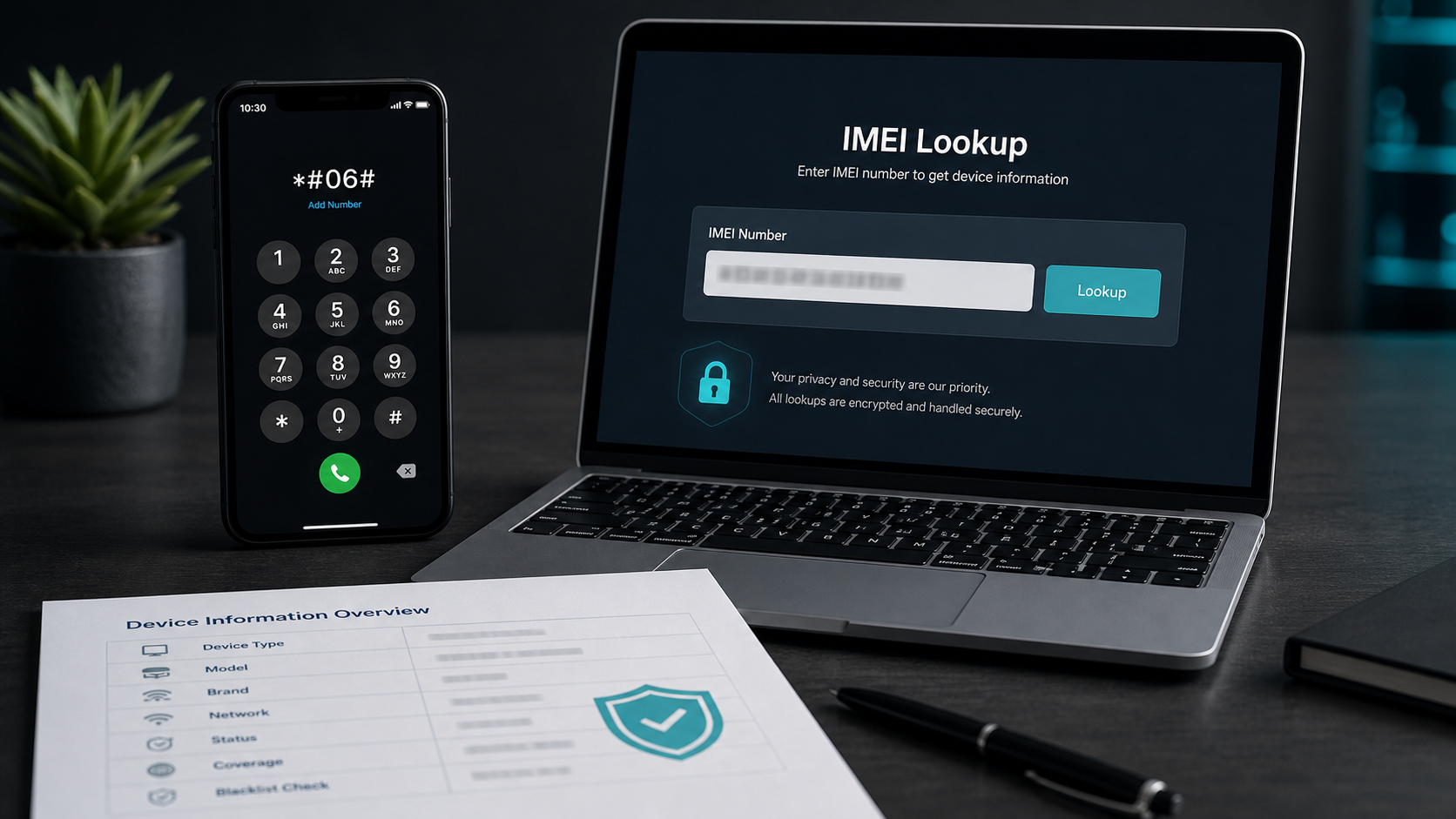
The safest method is to read the IMEI on the device itself. On many phones you can dial *#06# in the Phone app. You can also check system settings, the original box, purchase documentation, carrier account pages, or the SIM tray/label on some models. Once you have the number, you can use it for a trusted IMEI check, blacklist review, model lookup, warranty context, or trade-in verification.
For a deeper check, use a trusted specialist source such as IMEI.info, which provides IMEI-based device data and related services.
Abuse patterns seen at scale
IMEI tampering has historically appeared around stolen-phone resale, counterfeit-device distribution, insurance fraud, and cross-border trafficking. The basic pattern is simple: if a phone is reported stolen and blocked by networks using its IMEI, criminals look for ways to make the device appear clean or move it into a market where the block is not enforced. That is why network block lists, recycling checks, and international cooperation matter.
Large operations show the scale of the surrounding problem. Europol's Operation Ringtone in 2014 reported 213 arrests and 2,401 mobile phones seized across multiple European countries. A later Europol-supported action in 2024 targeted a phishing platform used by criminals trying to unlock stolen or lost phones, with investigators reporting 483,000 victims and 17 arrests. The UK Home Office also highlighted how blocked handsets could still be exported and resold abroad, estimating that recycling-sector checks would stop around 100,000 stolen phones from being sold to recyclers each year.
A careful note on legality
The legal treatment of IMEI modification depends on country, intent, device ownership, carrier rules, and the surrounding facts. In many places, tampering with a device identifier to hide theft, evade blocking, or mislead a buyer can create serious legal risk. This article is not legal advice. The practical takeaway is simpler: do not treat IMEI rewriting as a normal consumer repair action. For legitimate repair, warranty, or carrier issues, work through the manufacturer, carrier, or an authorized service path.
How this relates to MyDevice.info
MyDevice.info focuses on what your browser can detect safely: user agent details, screen size, network hints, privacy features, permissions, sensors, and performance information. Those signals help you understand your current device and browser environment, but they are not the same as modem identity. IMEI lives outside the browser sandbox.
If you need to verify a phone, first find the IMEI manually, then run a check through a trusted IMEI data provider. If you want to understand what your browser can reveal without touching private hardware identifiers, open the MyDevice.info dashboard or read our IMEI check guide.
Sources and further reading
- Android Developers: best practices for unique identifiers
- Android Open Source Project: immutable device IDs
- Apple Developer: identifierForVendor
- GSMA: mobile device theft and block lists
- Europol: Operation Ringtone
- Europol: stolen-phone unlocking phishing network
- UK Home Office: crackdown on stolen mobile phones