
Dive Deep into Your Device with IMEI Lookup
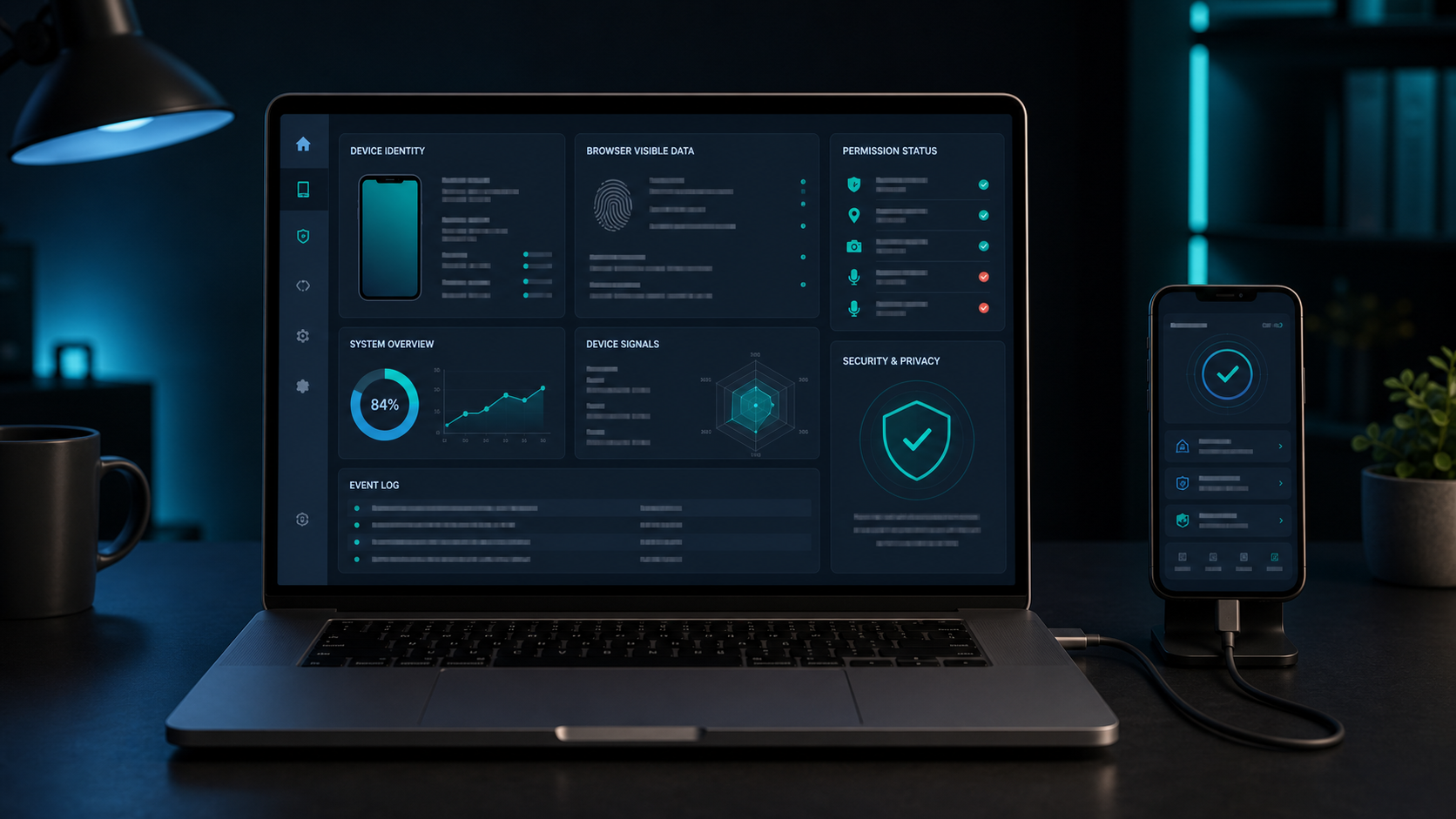
In an age of rapid tech advancements, understanding your smartphone's details is more important than ever. An IMEI lookup can help organize device information and explain what kind of phone you are holding, especially when buying, repairing, comparing, or documenting a mobile device.
The upcoming MyDevice.info IMEI section will focus on making that information easier to understand. Instead of only returning raw fields, it should explain what each value means and how reliable that value is.
Core device identity
An IMEI lookup may help connect a device to manufacturer, model, codename, release year, market variant, and broad hardware family. These details can be useful when verifying a used phone or comparing a device against a seller's description.
Example result: Samsung Galaxy S-series, model family, release year, device codenameSystem components overview
Good device reports often include operating system family, RAM category, GPU details, chipset family, and storage variants. These values help users understand performance expectations and compatibility.
Physical device design
Dimensions, weight, color variants, materials, and build notes help confirm that a device matches the expected version. This is especially helpful for refurbished phones or imports.
Connectivity, display, camera, and battery
Connectivity features such as USB, Wi-Fi, Bluetooth, cellular bands, and NFC affect everyday use. Display resolution, screen type, pixel density, camera resolution, battery type, and fast charging support help users compare devices and troubleshoot expectations.
IMEI lookup data should be treated as a helpful reference, not as a replacement for carrier records, manufacturer support, or physical inspection.