
Simple Steps to Check IMEI on Smartphones
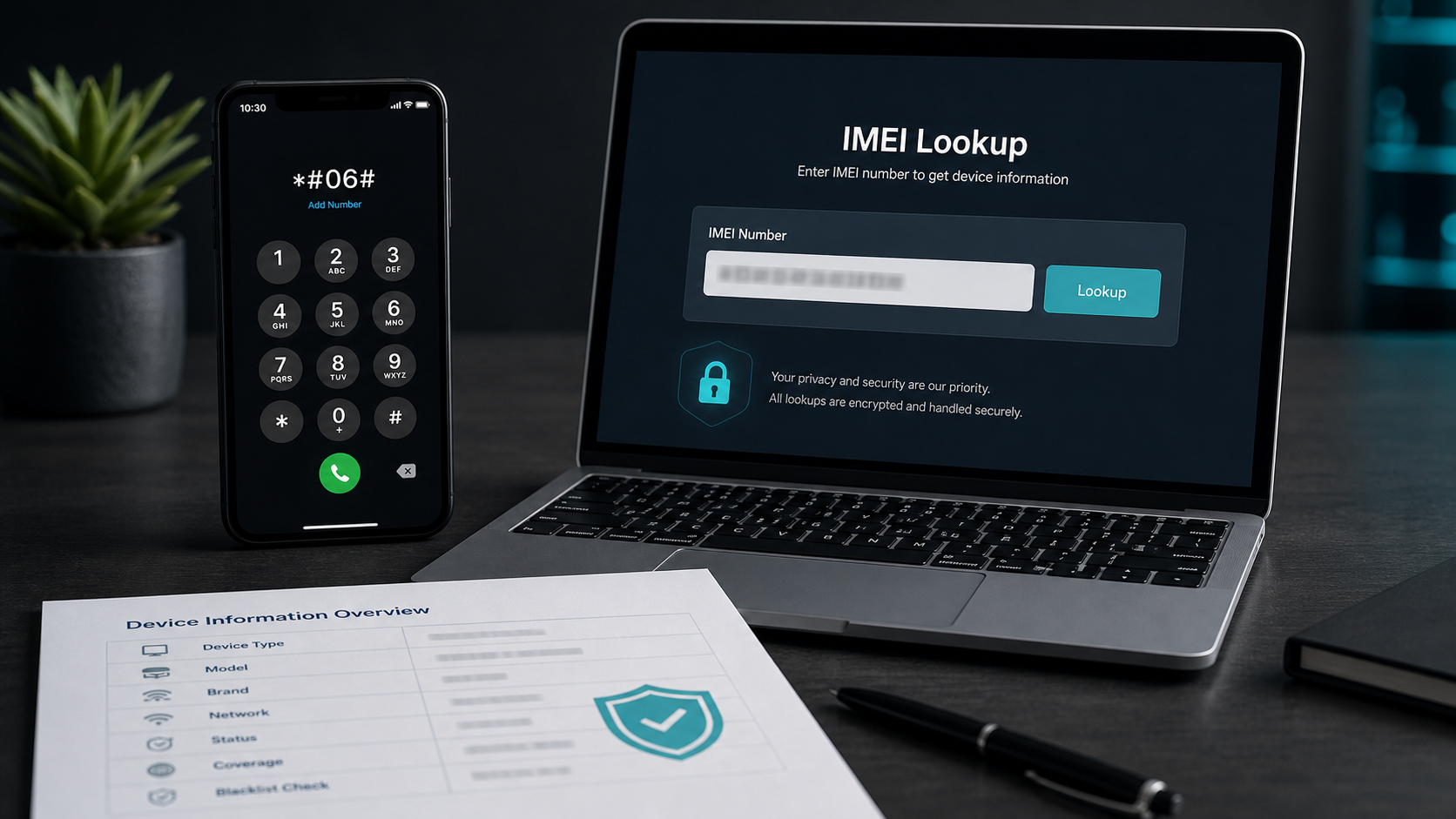
The fastest universal way to display the IMEI on many smartphones is to open the phone dialer and enter *#06#. The device should show one or more IMEI numbers on screen.
Samsung phones
Open the dialer app and enter *#06#. Samsung devices can also show IMEI details in Settings under phone or device information.
Google Pixel devices
Launch the dialer on your Pixel and type *#06#. You can also check Settings for device identifiers if the dialer method is unavailable.
iPhone
On iPhone, enter *#06# in the Phone app, or open Settings and check the device information section. Some models also show identifier information on the SIM tray or original packaging.
Xiaomi, OnePlus, Oppo, Redmi, Tecno, Realme, and other Android phones
For most Android phones, open the dialer and enter *#06#. If that does not work, check Settings, About phone, Status, or the device information section.
Do not publish your IMEI publicly. It is a device identifier and should be shared only with trusted services, carriers, repair providers, or buyers when necessary.